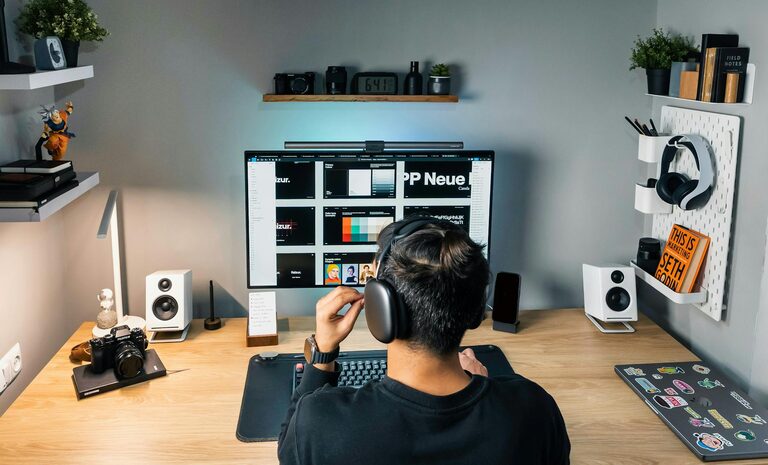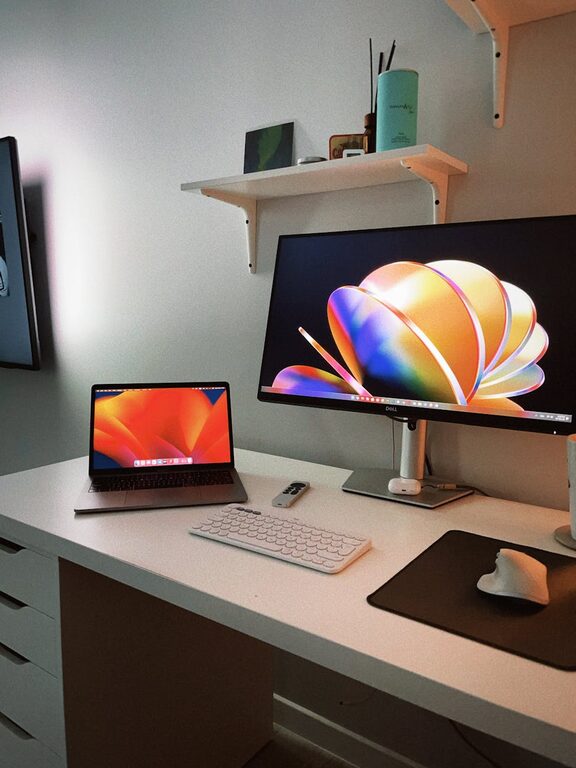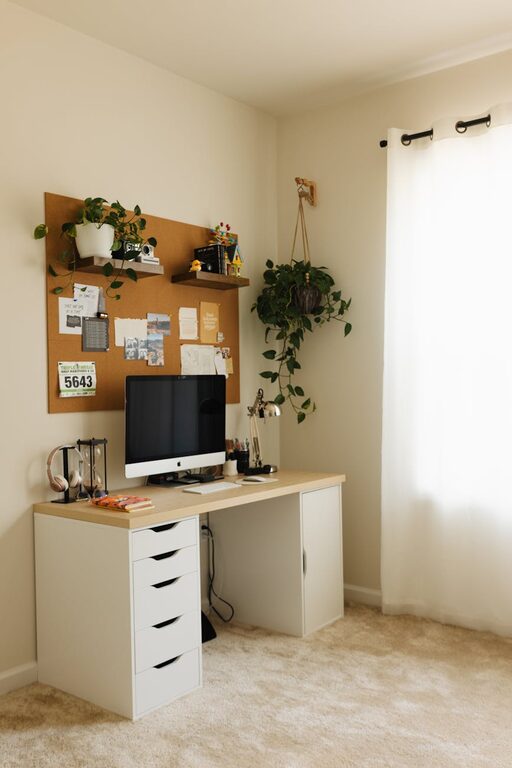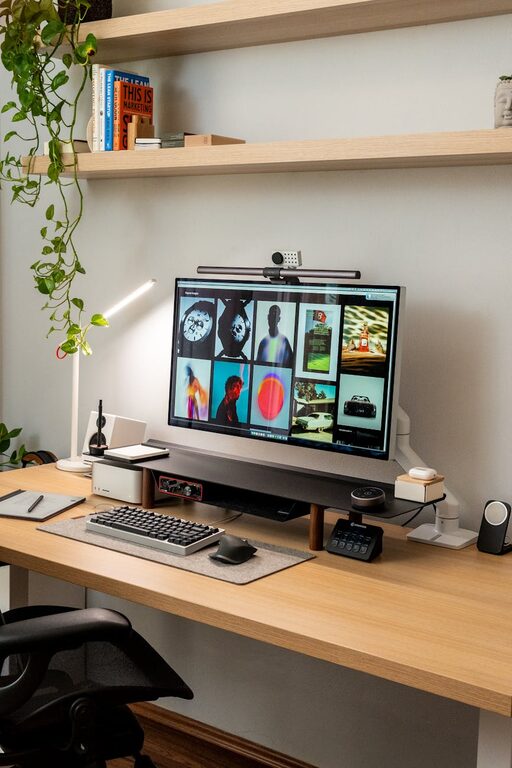


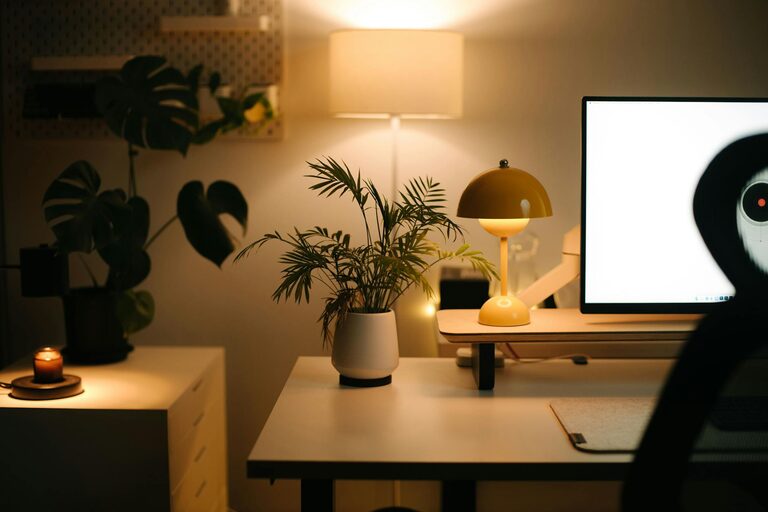
Creating a home office that feels both cozy and productive is key to making remote work or personal projects enjoyable and efficient. Whether you’re setting up a brand-new workspace or improving an existing one, a thoughtful design can help you stay focused and comfortable throughout the day. Here are some helpful tips to help you build a home office space that inspires creativity and keeps distractions at bay.
Choose the Right Location
Prioritize Natural Light
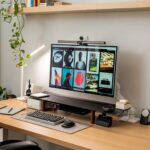
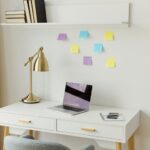
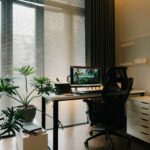
A bright workspace can improve mood and energy levels. Try to position your desk near a window to benefit from natural light. If natural light is limited, invest in a good quality desk lamp with adjustable brightness to reduce eye strain.
Find a Quiet Spot
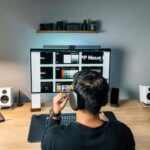
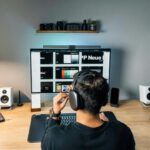
Noise can significantly impact concentration. Choose a quiet corner of your home where you’re less likely to be interrupted. If space is limited, consider noise-cancelling headphones or white noise machines to help keep distractions away.
Invest in Comfortable Furniture
Ergonomic Chair and Desk
Your chair and desk are the backbone of a productive workspace. An ergonomic chair with good back support prevents discomfort during long hours, while a desk at the right height promotes good posture.
Flexible Options
If possible, choose furniture that can adapt to how you work. Standing desks or adjustable desks allow you to switch between sitting and standing, which is beneficial for circulation and energy.
Organize with Purpose
Declutter Regularly
Keep your workspace tidy to maintain focus. Use drawers, shelves, or organizers to keep stationery and documents out of sight but within reach.
Use Storage Solutions
Boxes, bins, and file holders can help you sort items neatly. Labeling these containers makes it easy to find what you need quickly and avoid clutter buildup.
Add Personal Touches
Inspirational Decor
Display artwork, photos, or motivational quotes that make you feel inspired. Personal touches add warmth and make the space uniquely yours.
Cozy Elements
Soft rugs, cushions, or a throw blanket can add comfort to your office. These small details make the room feel inviting and encourage you to spend time there.
Manage Technology Efficiently
Cable Management
Tangled cords look messy and can be distracting. Use cable organizers, clips, or sleeves to keep wires neatly bundled and out of the way.
Quality Equipment
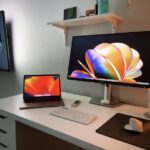
Invest in reliable technology such as a good-quality monitor, keyboard, and mouse to improve ease of use and reduce eye or wrist strain.
Optimize Lighting
Layer Lighting
Mix different types of lighting such as overhead lights, desk lamps, and ambient lighting. Layered lighting reduces shadows and helps create a balanced atmosphere.
Avoid Glare
Position screens and lights to minimize reflections or glare on your computer screen. This helps reduce eye fatigue during long work sessions.
Incorporate Natural Elements
Plants in the Workspace
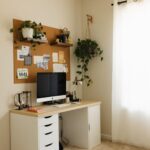
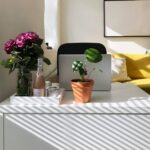
Adding plants can improve air quality and add a refreshing touch to your office. Choose low-maintenance varieties like succulents or snake plants that thrive indoors.
Natural Materials
Use wood, stone, or woven textures in your furniture and decor to create a calming environment that promotes focus and reduces stress.
Maintain Work-Life Balance
Define Your Space
If possible, separate your workspace from your living areas. This physical boundary helps signal when it’s time to work and when to relax.
Set Boundaries
Establish clear work hours and stick to them to avoid burnout. At the end of the day, tidying up your desk can also mentally close your work session.
Final Thoughts
Designing a cozy and productive home office is about balancing comfort with functionality. By paying attention to lighting, organization, furniture, and personal touches, you can create a space that motivates you every day. Make gradual improvements over time and tailor your office to suit your unique needs for the best results. Happy decorating!