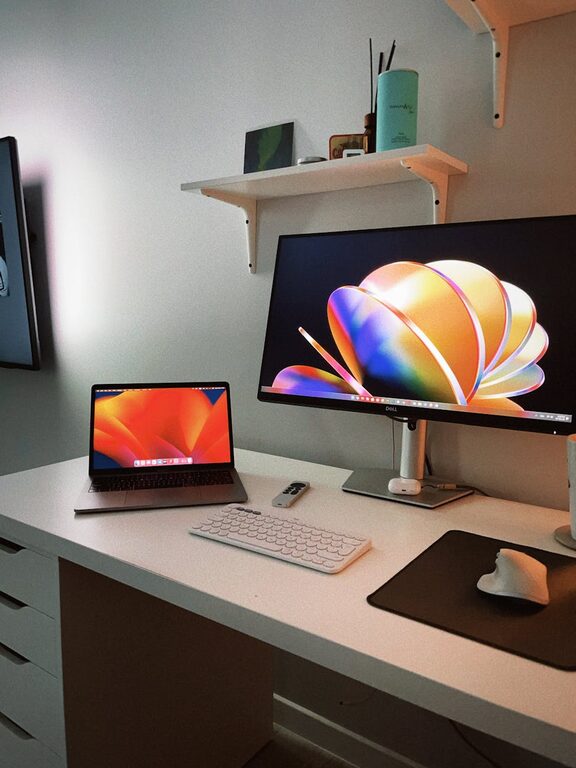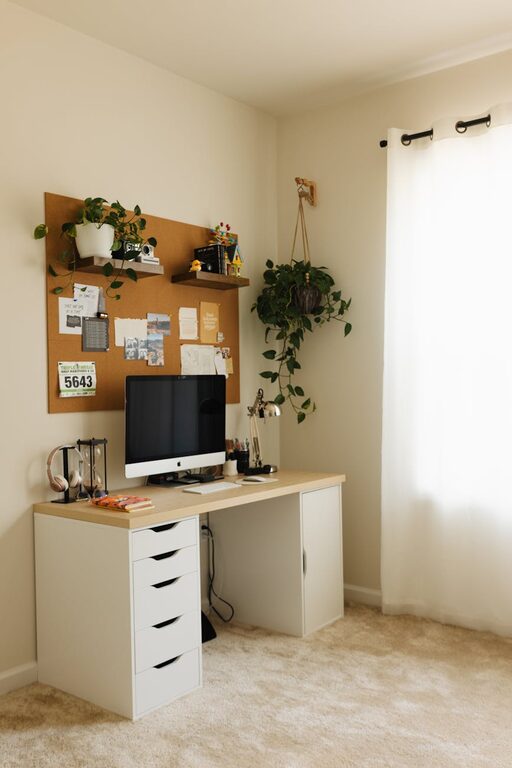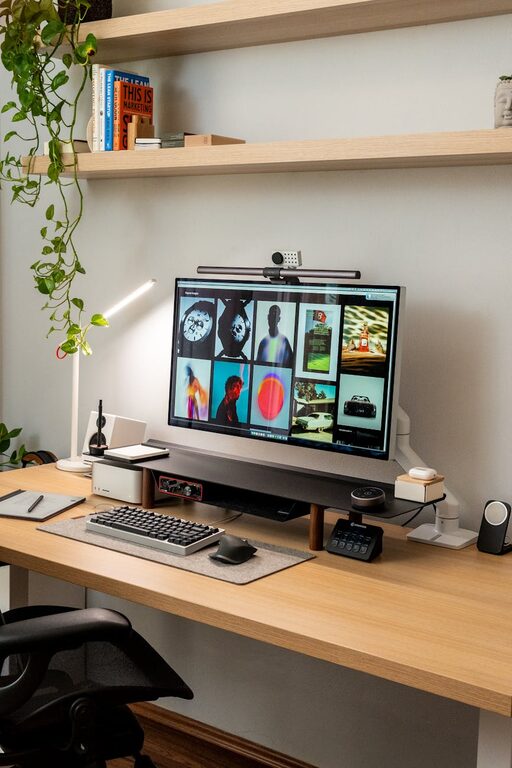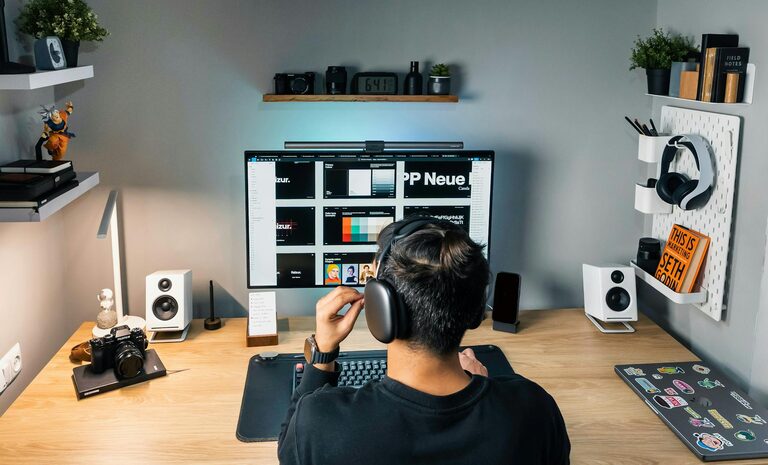

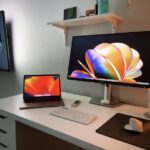
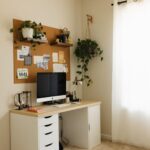
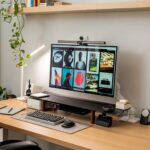

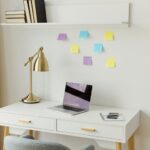


Creating a home workspace that feels cozy yet promotes productivity can make a significant difference in how you work and feel throughout the day. Whether you’re working remotely full-time or need a dedicated spot for occasional tasks, setting up an inviting and efficient environment helps you stay focused and motivated. Here are some useful tips to help you design a home workspace tailored to your needs.
Choose the Right Location
Consider natural light
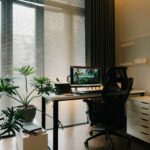
Position your desk near a window whenever possible. Natural light improves mood, reduces eye strain, and makes the space feel more open and welcoming. If that’s not an option, invest in good quality lighting that mimics natural daylight.
Minimize distractions
Select a quiet corner or room where interruptions are less frequent. This helps you concentrate better and keeps the workspace separate from living or relaxation areas.
Invest in Comfortable Furniture
Ergonomic chair and desk
A comfortable chair with good lumbar support and an adjustable desk height can prevent posture-related issues and keep you focused longer. If space or budget is limited, consider affordable alternatives that still prioritize ergonomics.
Functional desk setup
Choose a desk size that fits your equipment but isn’t overcrowded. Enough surface area ensures you have room for your computer, notebooks, and other essentials without feeling cramped.
Organize for Efficiency
Declutter regularly
A tidy workspace helps reduce stress and distractions. Keep only the items you need at arm’s length, and store the rest out of sight.
Use storage solutions
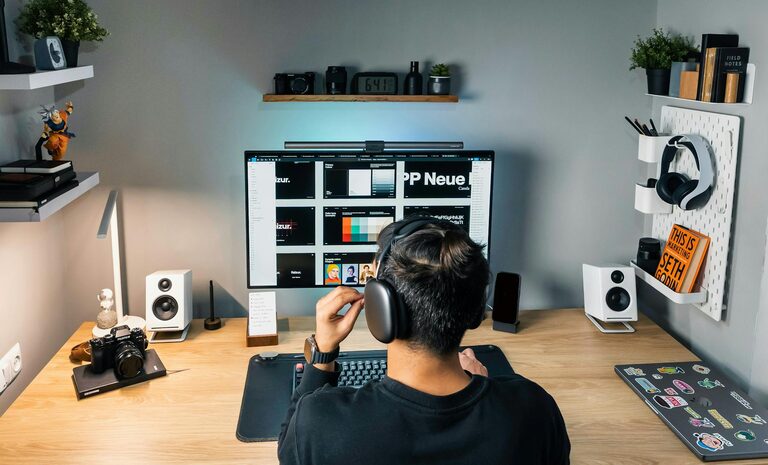
Shelves, drawers, and organizers can keep documents, stationery, and gadgets neatly arranged. Label containers or bins to find things quickly when needed.
Personalize Your Space
Add cozy touches
Incorporate elements such as a soft rug, cushions, or a blanket to make your workspace inviting. These details can boost comfort and add warmth to the area.
Decorate with inspiration
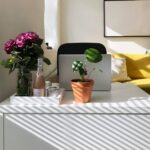
Display motivating quotes, art, or plants to create a visually pleasing environment that encourages creativity and positivity.
Manage Technology Smartly
Cable management
Untangle cords with clips, sleeves, or cable boxes to keep your desk clutter-free. An organized space reduces frustration and improves workflow.
Optimize screen placement
Position your monitor at eye level and about an arm’s length away to reduce neck strain and eye fatigue.
Establish Daily Habits
Set a schedule
Define clear working hours to balance productivity and downtime. Having a routine helps your brain switch between work mode and relaxation.
Take regular breaks
Short breaks improve focus and reduce fatigue. Stand up, stretch, or walk around to refresh your mind and body.
Control the Environment
Regulate temperature
Maintain a comfortable room temperature that isn’t too hot or cold. Use fans, heaters, or open windows as needed.
Manage noise
If background noise distracts you, consider noise-canceling headphones, white noise machines, or calming playlists to create a peaceful atmosphere.
Keep Health in Mind
Add greenery
Indoor plants not only beautify your space but can also improve air quality and reduce stress.
Stay hydrated and nourished
Keep water and healthy snacks nearby to maintain energy levels throughout your working hours.
—
Creating a cozy and productive home workspace is about balancing comfort with functionality. By carefully selecting your space, investing in ergonomic furniture, staying organized, and personalizing your setup, you can foster an environment that supports your best work while feeling inviting to spend time in. Remember, small adjustments can make a big difference—so don’t hesitate to tweak your setup until it feels just right!