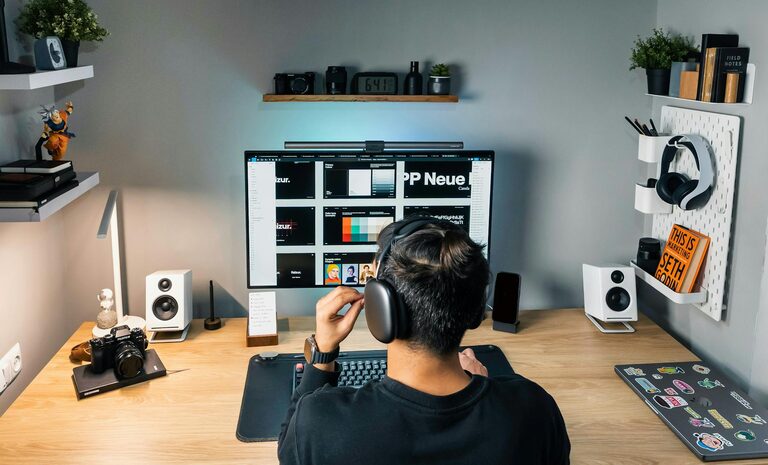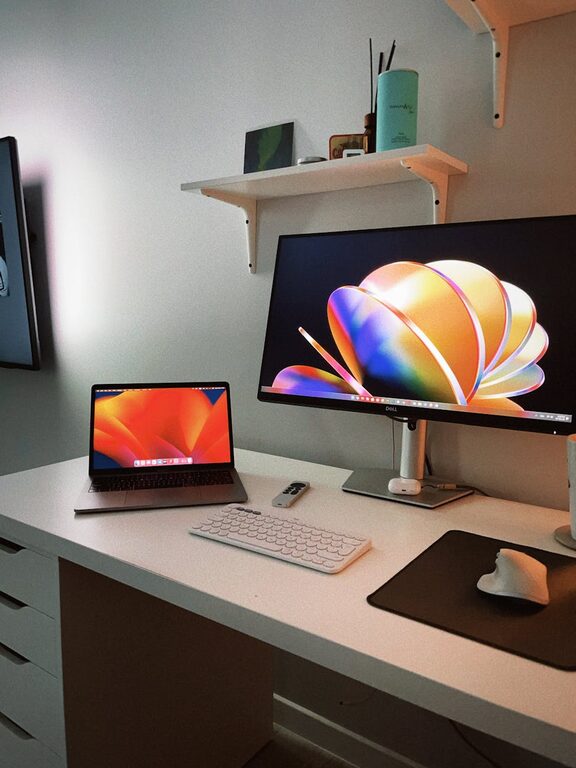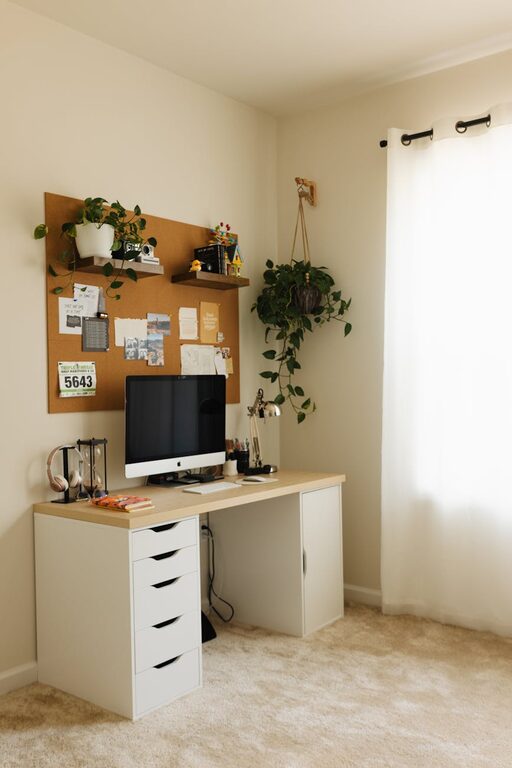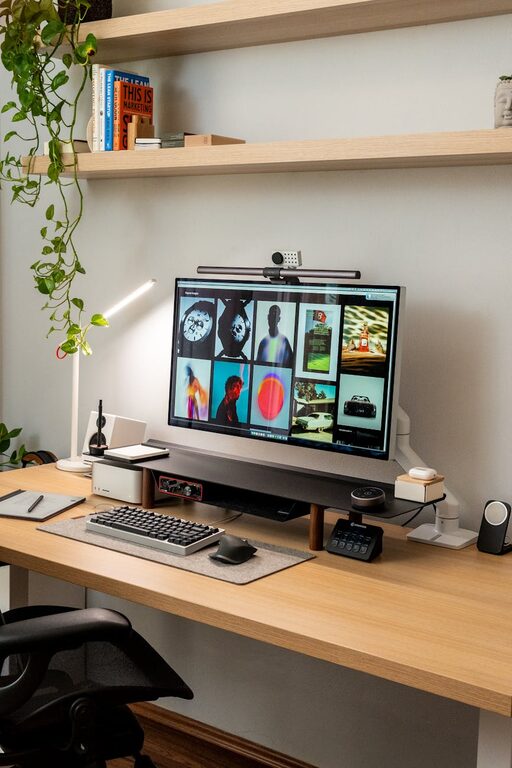

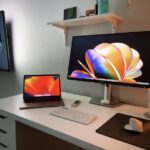
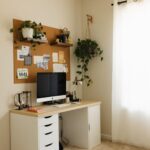
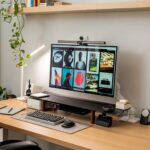

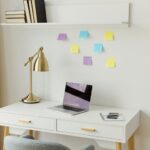


Creating a cozy and functional home workspace is essential for boosting productivity and maintaining a healthy work-life balance. Whether you work from home full-time or just need a dedicated area for occasional tasks, a well-designed workspace can make all the difference. This guide offers practical tips to help you set up a space that feels inviting and supports your work needs.
Why a Cozy and Functional Workspace Matters
A workspace that feels comfortable and is tailored to your workflow encourages focus and reduces stress. When your environment supports your needs, you’re more likely to maintain motivation and accomplish tasks efficiently.
Choosing the Right Location
Consider Natural Light
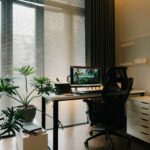
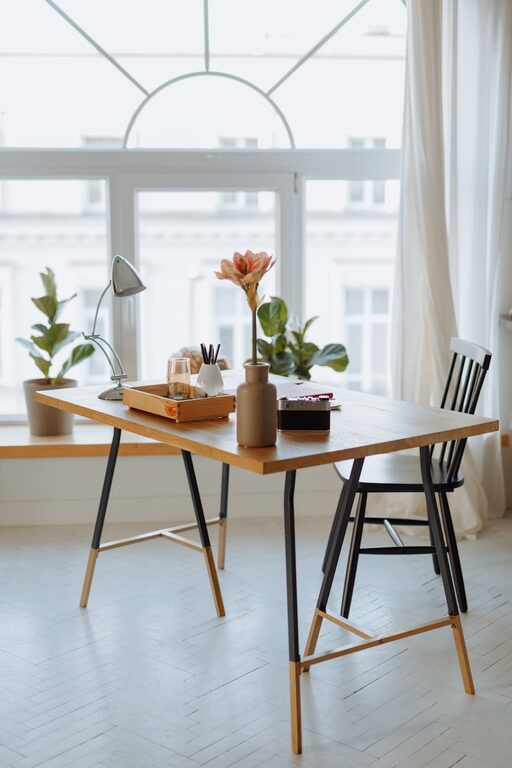
Select a spot in your home with plenty of natural light. Sunlight helps improve mood and reduces eye strain. Position your desk near a window if possible but avoid direct glare on your screen.
Minimize Distractions
Find a quiet corner or room away from household noise and foot traffic. If you don’t have a separate room, use room dividers or curtains to create a sense of privacy.
Selecting Functional Furniture
Ergonomic Chair and Desk
Invest in an ergonomic chair that supports your posture and a desk with enough surface area for your computer, documents, and other essentials. Adjustable furniture can improve comfort for extended work periods.
Storage Solutions
Keep your workspace tidy with storage options such as drawers, shelves, or filing cabinets. Good organization reduces clutter and helps you find items when you need them.
Organizing Your Workspace
Declutter Regularly
Remove unnecessary items to maintain a clean and distraction-free environment. A minimalist setup helps clear your mind and enhances focus.
Use Organizers
Desk organizers, cable management tools, and file holders keep things in place and prevent mess.
Adding Cozy Elements
Soft Textiles
Include cushions, a small throw blanket, or a comfortable rug to make your space feel inviting. Soft textures help reduce tension and create a warm atmosphere.
Personal Touches
Add artwork, plants, photos, or decorative objects that inspire and motivate you. These elements make the space uniquely yours and can lift your spirits throughout the day.
Maximizing Lighting
Layered Lighting
In addition to natural light, use a combination of overhead, task, and ambient lighting. Adjustable desk lamps allow you to focus light where it’s needed, while warm ambient lighting creates a relaxing vibe.
Reduce Eye Strain
Position lights to minimize glare on your computer screen and take regular breaks to rest your eyes.
Maintaining Comfort
Temperature Control
Make sure your workspace is well-ventilated and at a comfortable temperature. Use fans, heaters, or portable air conditioners if necessary.
Break Area
Designate a small area nearby where you can stretch or take short breaks. This encourages movement and helps avoid fatigue.
Technology Tips
Reliable Equipment
Use dependable and up-to-date technology to avoid frustrations. Ensure your internet connection is strong and devices are charged or plugged in.
Cable Management
Keep cords neat using clips, ties, or channels. Organized cables reduce hazards and neatens the space.
Time Management Tools
Calendar and Task Lists
Keep a planner or digital calendar visible to organize your day. Task lists help keep track of priorities and deadlines.
Minimize Interruptions
Use headphones or “do not disturb” signs during focused work periods.
Final Thoughts
Designing a home workspace that balances coziness and functionality doesn’t require a large budget or space. Thoughtful choices in lighting, furniture, organization, and personal style transform any corner into a productive haven. Prioritize your comfort to create a space that encourages success and well-being in your daily work routine.