
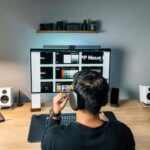
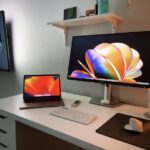
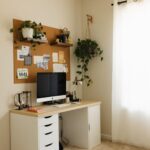
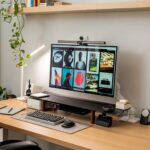


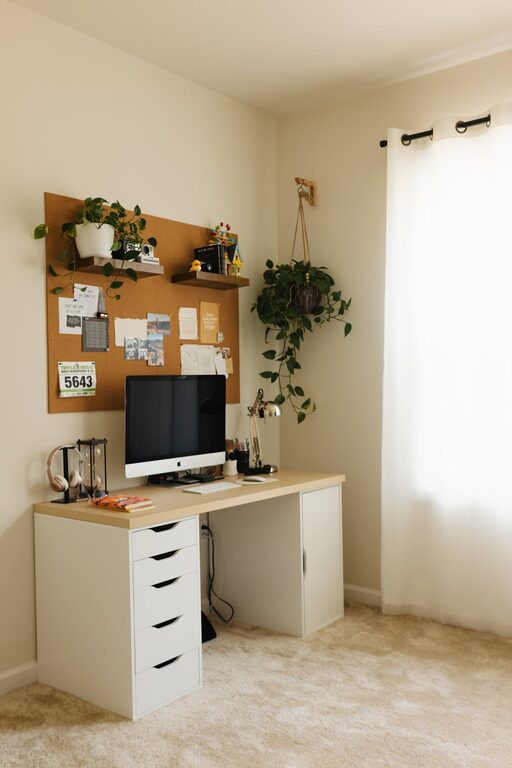
Working from home has become a common practice, and having a dedicated space that feels both cozy and productive is essential. A well-designed home workspace can improve your focus, reduce stress, and make your workday more enjoyable. Whether you have a small corner or a full room at your disposal, the following tips will help you create an environment that supports both comfort and efficiency.
Choose the Right Location
Find a Quiet Spot
Start by selecting a location in your home that minimizes distractions. Ideally, choose a spot away from noisy areas like the kitchen or living room, especially if others are frequently moving around.
Consider Natural Light
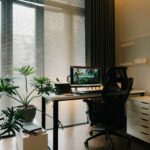
Placing your workspace near a window can boost mood and energy. Natural light helps reduce eye strain and keeps you alert throughout the day. If natural light is limited, use quality lighting that mimics daylight.
Invest in Comfortable Furniture
Ergonomic Chair
A comfortable and supportive chair is a must-have. Ergonomic chairs help maintain good posture, reduce back pain, and allow you to work longer without discomfort.
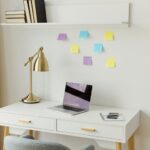
Functional Desk
Choose a desk suited to your needs, with enough space for your computer, documents, and other essentials. Adjustable desks that allow standing or sitting can add variety and improve circulation.
Organize Your Space Effectively
Declutter Regularly
Keep your desk tidy to enhance focus. Use organizers and trays to store stationery, papers, and gadgets. Clutter-free surfaces reduce stress and distractions.
Use Storage Solutions
Shelves, cabinets, and drawers help keep your workspace neat. Label storage boxes or use color-coding systems to find items quickly and maintain organization.
Personalize Your Workspace
Add Plants
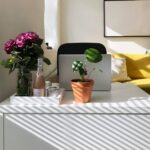
Indoor plants bring freshness and a calming effect to your work area. They improve air quality and create a pleasant atmosphere.
Display Inspiring Items
Incorporate photos, artwork, or motivational quotes that make you feel positive and motivated. Personal touches can make the space feel welcoming without causing distractions.
Manage Technology Wisely
Minimize Cable Clutter
Use cable organizers or clips to keep cords out of the way. A clean setup looks better and reduces the chance of accidents.
Reliable Equipment
Invest in good quality technology, such as a fast internet connection, a clear webcam, and a quality headset. These tools can make remote meetings and tasks easier and more efficient.
Create a Routine-Friendly Environment
Define Work Hours
Set clear working hours to separate work time from personal time. Use visual reminders like clocks or calendars to stick to your schedule.
Take Breaks
Design your space with room to move or stretch nearby. Taking short breaks helps maintain productivity and reduces fatigue.
Control Noise and Distractions
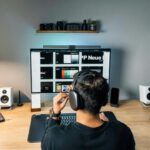
Use Noise-Canceling Headphones
If your home is busy or noisy, headphones can help block out distractions and improve concentration.
White Noise Machines or Apps
Background sounds, such as white noise or nature sounds, can mask disruptive noises and create a calm work ambiance.
Maintain Good Air Quality and Temperature
Ventilation
Keep your space well-ventilated to stay alert and comfortable. Open windows or use air purifiers if needed.
Comfortable Temperature
Ensure the room temperature suits your preference; neither too hot nor too cold to maintain focus and comfort.
Keep Essentials Within Reach
Arrange items you use daily close to your workspace. This includes pens, notebooks, chargers, and water bottles. Accessibility saves time and keeps your workflow smooth.
Final Thoughts
A cozy and productive home workspace is achievable with a few thoughtful adjustments. Prioritize comfort, organization, and personalization to create a setting that supports your work style. Remember that small changes can make a big difference in your daily work experience. Take time to adjust your setup as needed, and enjoy the benefits of a space designed for success and comfort.